No one could have guessed just how dramatically the iPhone would transform the world when it was first introduced back in 2007. With each passing year, Apple has refined its hardware and software with new iPhone models, operating systems, and capabilities. For the average Apple user, keeping up with all the new terminology can be […]
Why Does My Phone Say LTE Instead of 5G? Here Are The Reasons
Ever since going mainstream in the early 1990s, cellular phones and the wireless networks that make them possible have advanced tremendously. All of those advances, however, spawned a massive dictionary’s worth of jargon to describe it all. For end users, this can create confusion over which phones use which technologies, why that is, and what […]
10 Main Pros and Cons of Spectrum Mobile Service

It wasn’t that long ago that smartphones, and mobile services in general, were considered a luxury. But they’ve become one of the most important necessities for daily life in almost no time at all. Smartphones and consistent data connections are often needed for everything ranging from utility payments, social media interactions, answering emails and so […]
Phone Call Ends Immediately After Dialing – Reasons and Ways to Fix it

Does your phone end calls as soon as you dial out? Or perhaps at odd intervals during a phone call? It’s arguably among the most annoying experiences you could have with your phone. Hearing that the number you have dialed is unallocated is a close second. It’s one thing when a personal conversation doesn’t go […]
The 15 Main Pros and Cons of Amazon Kindle Devices for Book Reading

The Kindle changed reading as we know it forever when it was launched in 2007. Readers could now take thousands of stories and ebooks with them everywhere they went without the need to choose between staring at a bright computer screen or carrying heavy books. Of course, the big shift left those who are loyal […]
The Number You Have Dialed Is Unallocated – What Does It Mean?

Let’s face it, “unallocated number” messages are highly annoying. However, it’s a different ball game when you suddenly can’t get hold of a loved one, although there’s probably a simple explanation. In this article we’ll examine the meaning of a phone’s message “the number you have dialed is unallocated”, describe several causes of this message […]
What Does “Unknown Caller” Mean on my Phone or Caller ID?

Seeing “unknown caller” appear on your phone can be daunting. Is it a scam, a legitimate caller or someone you blocked? Let’s find out below. What Does “Unknown Caller” Mean? These days, it’s not that common to see “unknown caller” appear on the screen of your cell phone, but it may still occasionally happen. If […]
13 Main Advantages and Disadvantages of MacBook Laptop Computers
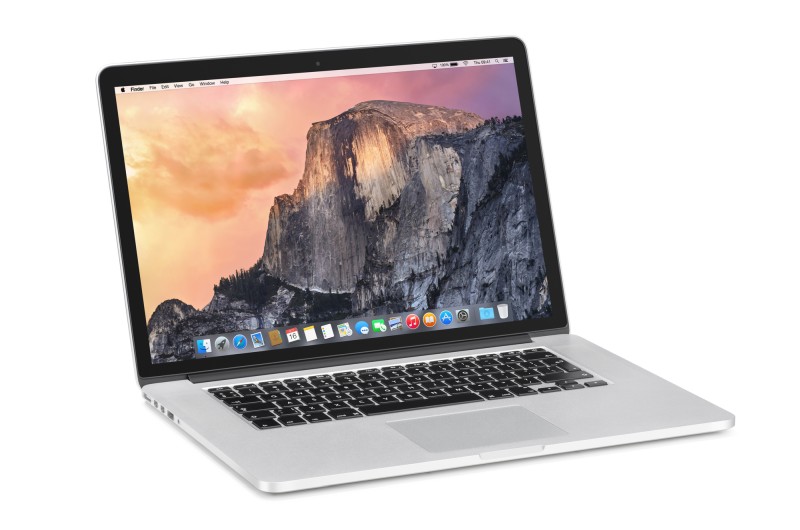
MacBook laptops are considered by many to be the best of the best when it comes to computing power, and many professionals swear by Apple products for creative design work, intensive audio and video editing and simple everyday use. As powerful as MacBooks are, however, they aren’t for everyone. If you’re having a hard time […]
Is 64GB or 128GB or 256GB Storage Enough for iPhone? Which is the Best Option?

When looking to find your next iPhone, there are many things to consider, such as a new or used model, type of display technology, camera features, and more. However, many shoppers neglect a critical aspect of their iPhone purchase that could determine how many applications, photos, videos, and data they can save. Storage is a […]
How to Transfer Contacts from Mac to iPhone (3 Methods)

Question: “I am wondering is there a straightforward way to transfer the contacts on my MacBook Pro to my new iPhone as the contacts are important to me and I can’t lose them? Thank you!” – A question from Apple Discussions When we talk about how to transfer contacts from Mac to iPhone, including […]