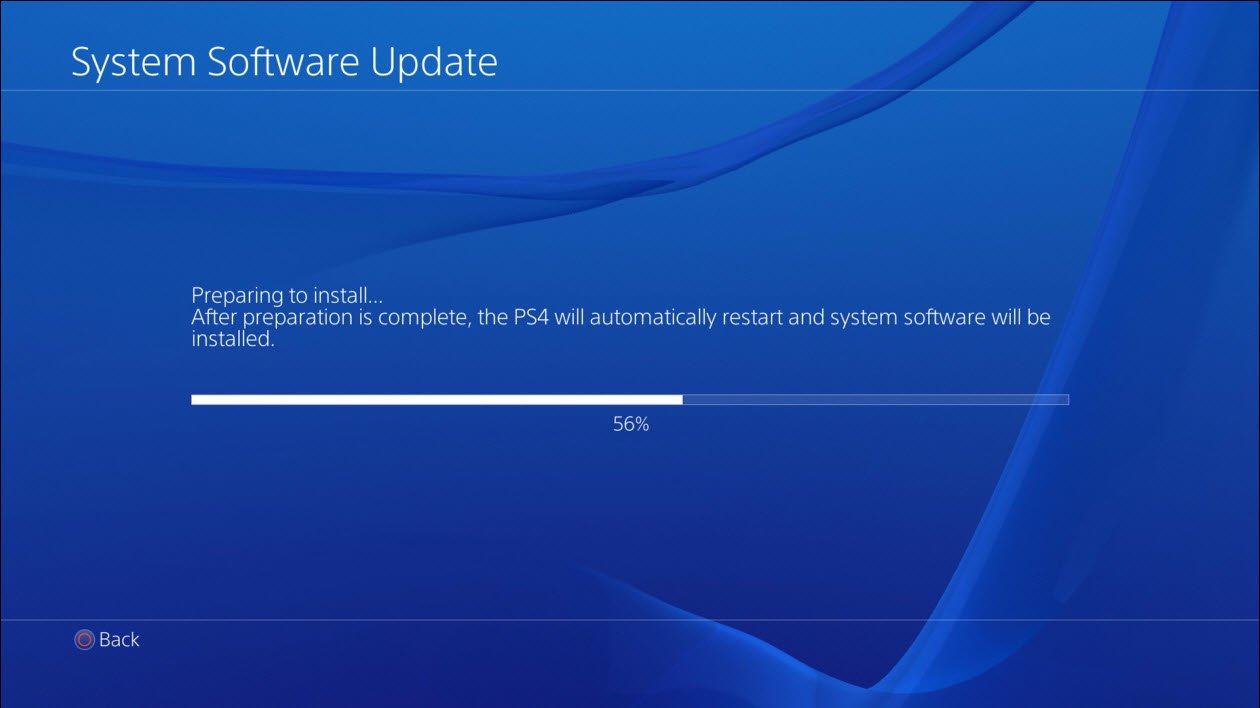
PlayStation 4 Update
The newest update to the PlayStation4 system software was released last February. This can be used to update your software to version 2.04. You can also update the PS4 system software using any of these methods:
Using the Internet – These things are required to be able to perform the update: A Playstation 4 system, and a stable Internet connection (either wired or wireless). Before you use the update feature, you have to configure the Playstation 4 system’s network settings first.
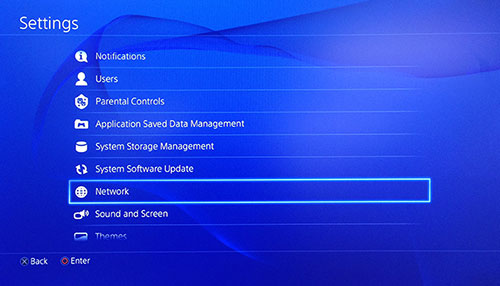
PlayStation 4 Settings
When you get to the function screen, choose ‘Settings’ > [Select Software Update].
The system will immediately check online if you have the newest update of the system’s software. If not, it will automatically download the latest version. Once it is finished, a notification will show up in the upper left corner of your screen.
From the function screen, choose (Notifications) > [Downloads]. Follow the screen to be able to perform the installation.
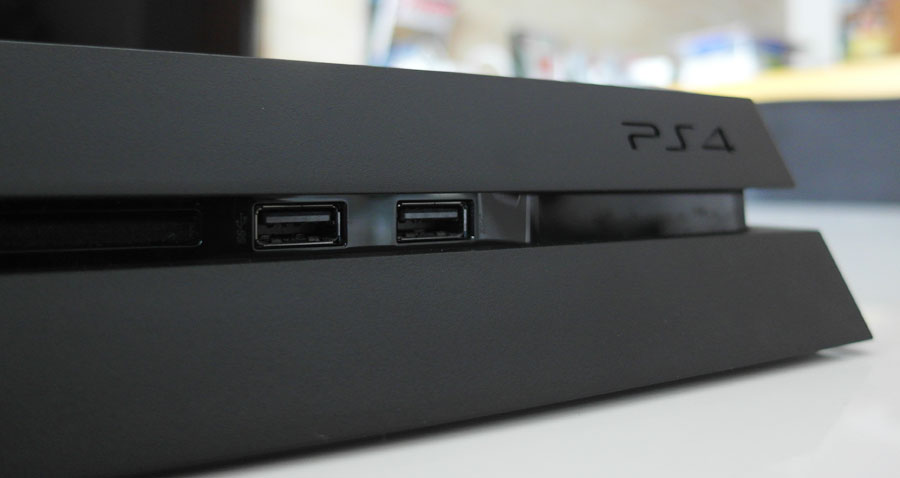
PlayStation 4 USB
For updates through A USB: You will need a USB flash drive, with at least 320MB of free space, and in a FAT32 file format.
Insert the flash drive inside your computer’s USB port. Open it up, make a new folder, and label it PS4. Inside PS4, make a new folder and name it UPDATE.
It is important that the names of the folders are in all caps, so the Playstation system will recognize it.
Next, download the update file to your computer. You can get this file from Sony’s official website. Copy the update file to your UPDATE folder on your USB drive.
The file name has to be PS4UPDATE.PUP. Eject the USB from your computer and connect it to your Playstation 4. From Settings, click on System Software Update, then select Update from the USB Storage Device, and follow the instructions.
If the update file is not recognized by the Playstation 4, then double-check on the names of your folders to see if the file names are correct. Place in the folder names and file names in caps.
Updating using Game Disc: If you place a disk that includes the latest version of the system software, you will get a screen that will guide you through updating the entire process. Simply follow these instructions to receive the update.
Sony has provided all the possibilities just in case your Playstation 4 does not connect to the Internet. To know if you have effectively updated your console, go to the function screen once updating is finished, and click on Settings > [System] > [System Information]. If the version number of the file used for updating your system can be seen on the [System Software] field, this means that your update was successful.

Leave a Reply