
Ampere
An ampere (amp) is described as the measure of the amount of electric charge that goes through a point in an electric circuit per unit time, with 6.241 x 10¹⁸ electrons. This is also equivalent to one coulomb per second, representing one ampere.
Step 1: Check if Ampere Supports Your Android Device
Not all Android devices are supported, since there are still some devices that don’t have the right measurement chip. This includes the Galaxy S4, LG G2/G3, and the HTC One M8. Ampere’s Play Store listing also includes the devices that it’s not compatible with. It’s also not capable of giving precision accuracy.
Step 2: Install Ampere
Ampere is the name of this free Android application. It works on devices running version 4.0.3 and up. The ampere’s goal is to assist you in troubleshooting USB cables and wall-warts. This app is very handy for Android phones, since it ensures you that you are receiving a good amount of energy from your USB plugs and charging cables. When you open the app, it will start to measure the amount of discharge.
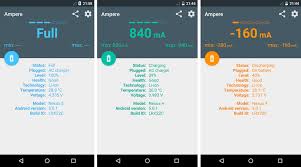
Ampere App
Step 3: Wait for the Milliamps Reading
After the app has been installed, open it and wait until you receive a reading that includes the number of milliamps that your gadget is using. You’re going to need this number in a short while, so try to remember it, or write it down.
Step 4: Charge Your Smartphone
The next step is to plug in your charging cable. It will show you the charging rate. Write down the number, or keep the number in mind. If the discharge rate is 450mAh (as an example), and the charge rate is 240mAh, then this means that you have an issue. Every AC adapter comes with its own set output. This is listed in the adapter itself.
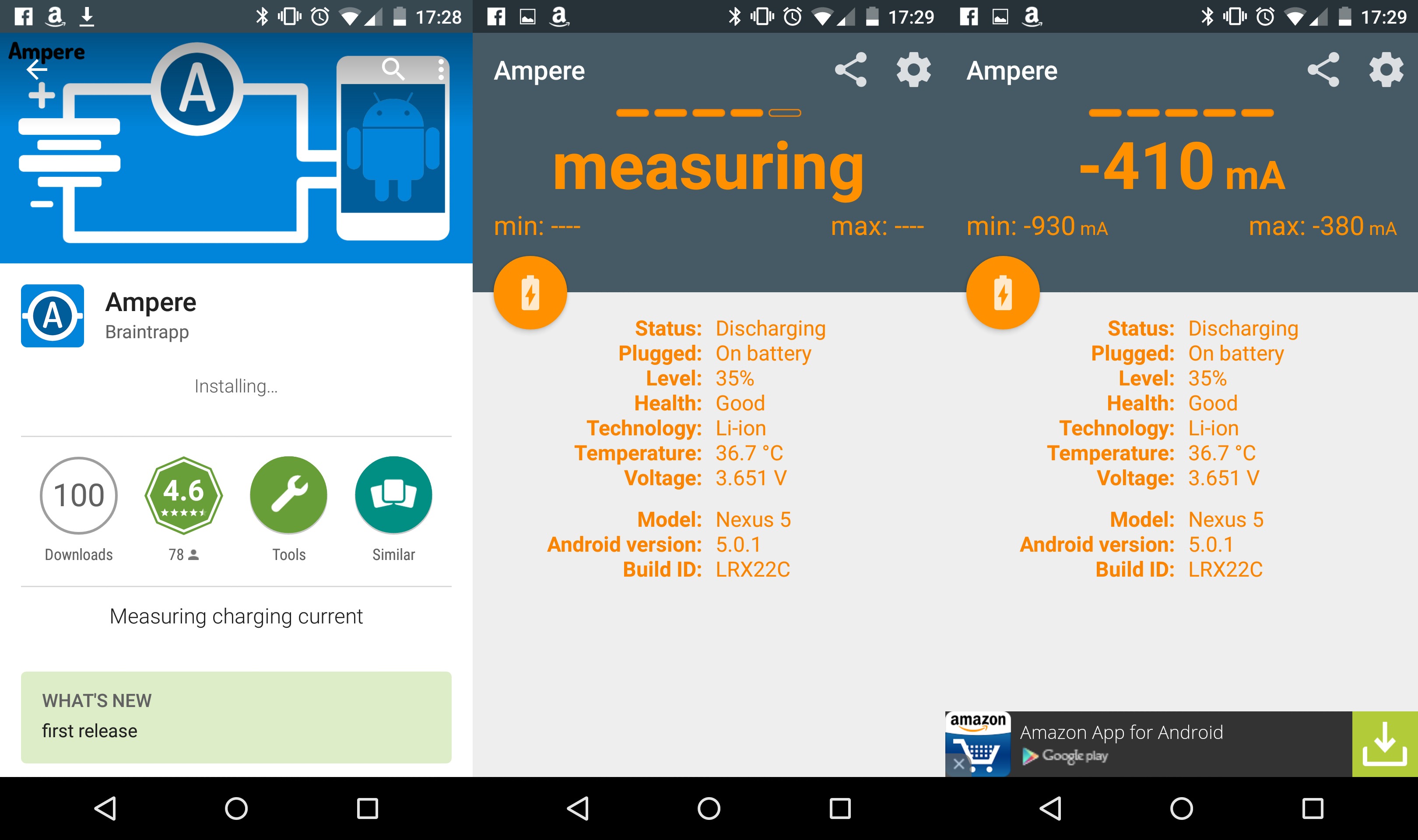
Ampere App
Step 5: Read the Result
Ampere is not supposed to be accurate. This app is only handy for evaluating the right amount of USB cable and charger combination for you on your gadget. According to the product description on the Google Play Store, Ampere is only supposed to tell you the perfect charging method for your device. Whether it’s a car charger, a Quick Charge 2.0 compliant charger, or simply an ordinary USB charger – The results are not 100% accurate, but it is close enough. Ampere’s developers have also mentioned that the app measures the discharging and charging current of your batteries. This means that if your phone or tablet isn’t connected, then you will know the discharging current, which will be shown as a negative number, instead of a positive number.

Leave a Reply