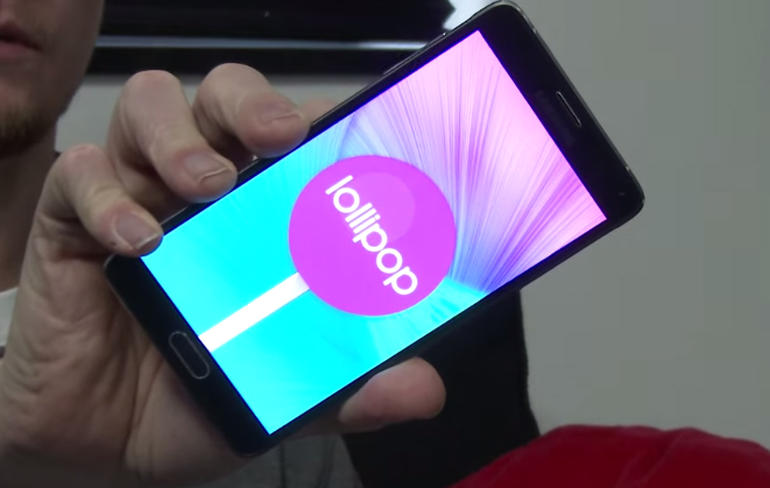
Android Lollipop
The newest version of Android, Android 5.1 Lollipop, is being installed in Nexus devices, accompanied by some new changes. One of these changes involves modifying the function of both Bluetooth and Wi-Fi toggles in the Quick Settings panel.
Users will now be able to connect their Bluetooth-enabled devices or Wi-Fi hotspots without having to go to their settings app. The steps for accessing the panel are still the same – By using a finger to swipe down from the top of the screen to show their notifications, with another swipe revealing quick settings. In the previous versions of the Android, when users tap the icon, it becomes the standard on or off switch button. The Settings feature gets launched when the setting name is tapped, which lets users connect to a Wi-Fi network or a device with Bluetooth.
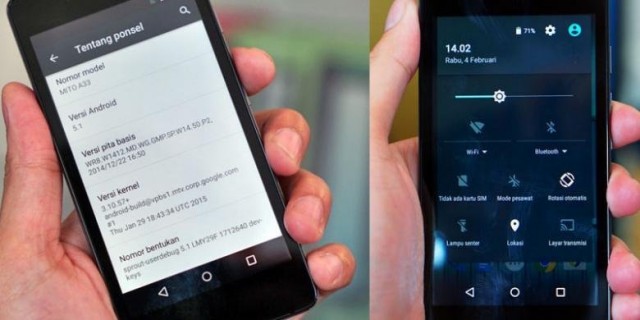
Android 5.1
But there’s a difference with Android 5.1 – Users will now find small arrows sitting next to the Wi-Fi or Bluetooth labels. This tells them that there is a drop-down menu available. When the name is tapped, a screen will pop up within the panel, letting users stay on the present screen.
You will be able to get a quick access to these frequently used settings, depending on the version of Android you’re using. Some of these are only available with Android 5.0 and higher. To access Wi-Fi, simply touch the Wi-Fi icon to switch it on or off. You can also touch the ‘Wi-Fi’ name of the network to change your saved networks. When you see arrows next to the icon, this means that the data is being transferred from your gadget to the Web (up arrow), or vice versa (down arrow).
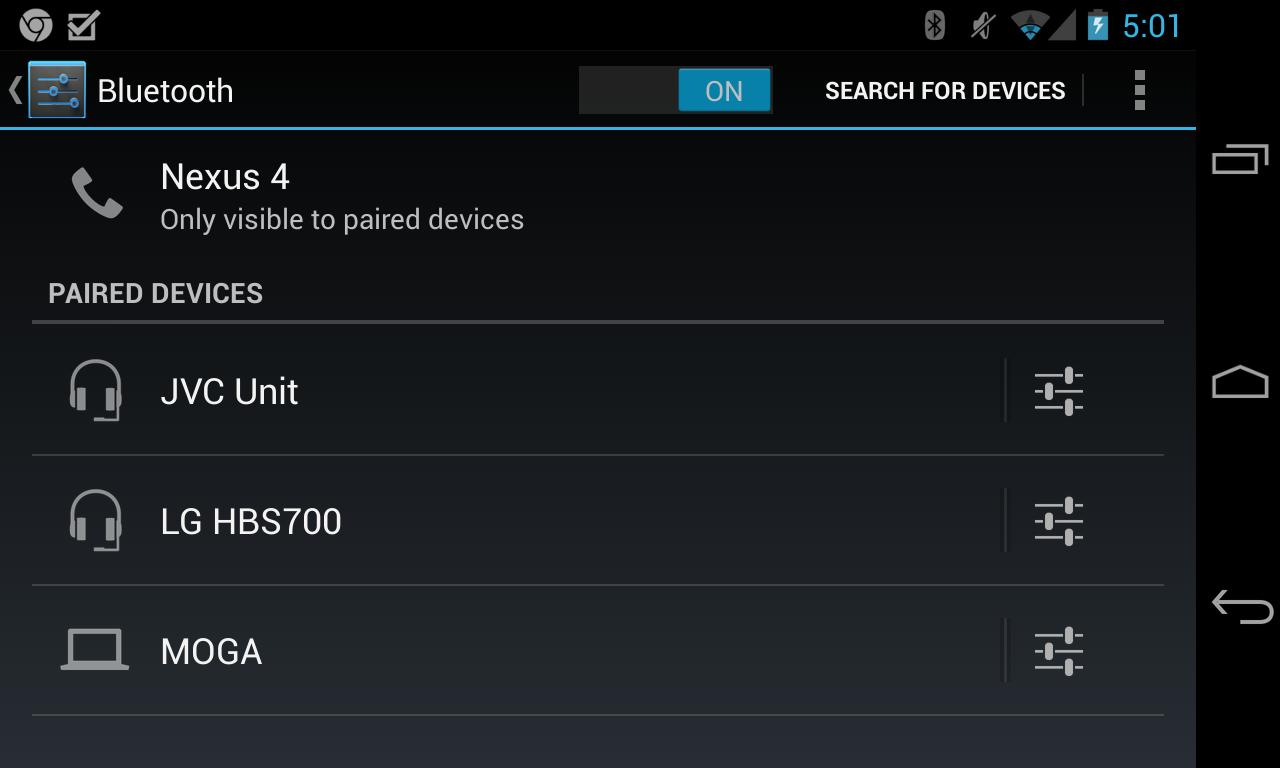
Nexus Bluetooth
For Bluetooth, you can also touch the icon to switch Bluetooth off or on. Then touch the name ‘Bluetooth’ to manage your enabled devices. If you’re using a mobile hotspot, touch the hotspot icon to share your gadget’s Internet connection with another device. This can only be done if you’ve used a portable hotspot recently. Touch and hold the icon to remove this setting until you want to switch it back on.
When you have a cellular network with an Android 5.0, just touch the network icon to open up the control panel to gain easy access to the amount of data usage. There will also be a small up-and-down arrow found on the right side of the network signal indicator. This arrow signifies the data being transferred from your phone to the Internet, and from the Internet to your device.

is android 5.1 launched ????
Yes they started rolling out Android 5.1 a few days ago.