Cortana Windows 10
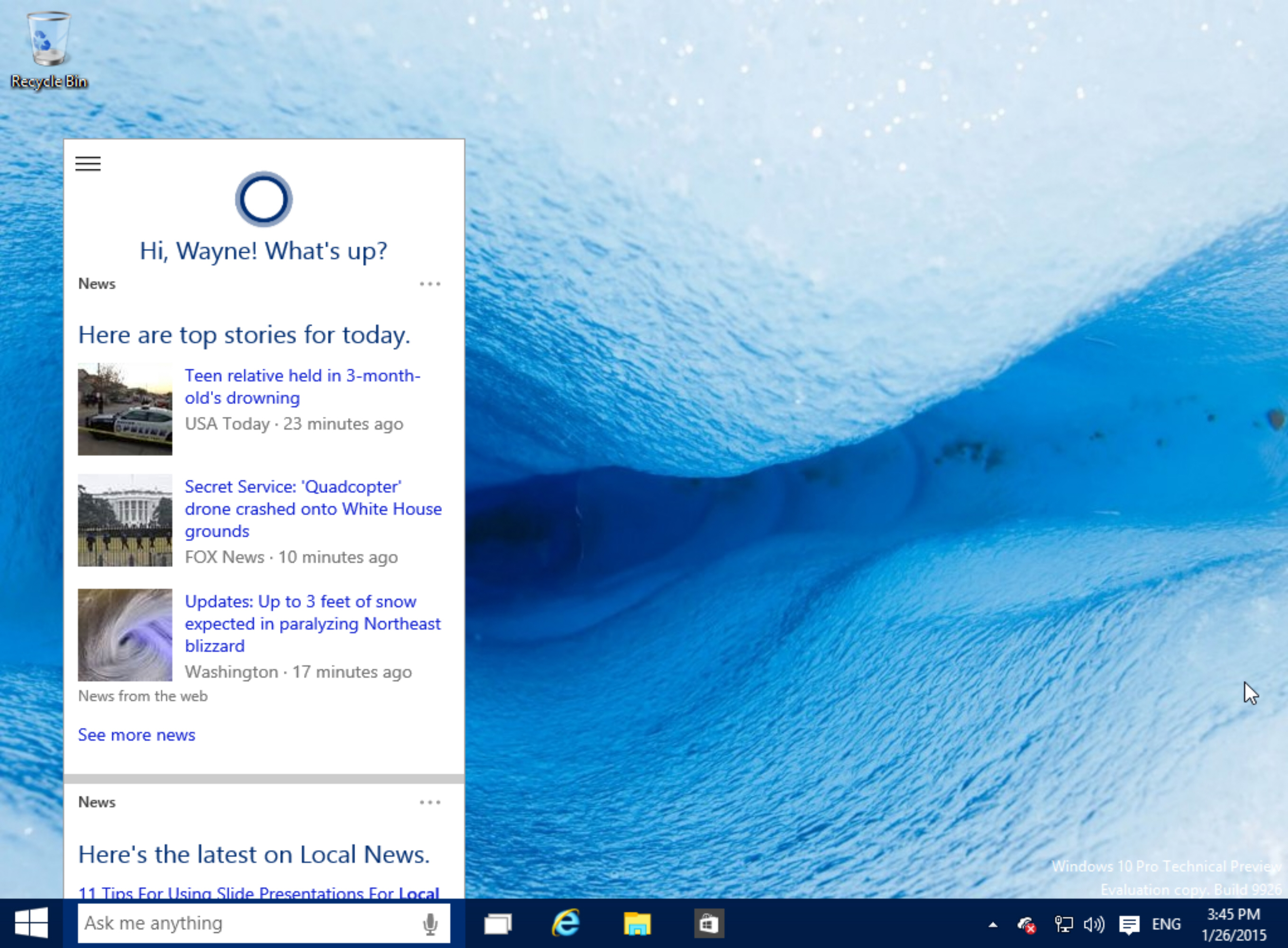
During an event held last January, Microsoft has demonstrated and announced a brand new list of features that are set to be included in their Windows 10 operating system. One of the main highlights was the addition of Cortana. For those who are not familiar, Cortana is Windows’ voice-activated personal assistant. Cortana is similar to Siri, except it’s only for Windows users. Cortana can be used to get weather updates, set reminders, look for files, send email, and search the web. It can even crack a joke or two.
The version of Cortana in Windows 10 isn’t final yet, and neither is Windows 10. This means that Microsoft is still perfecting it, and including new features. You will still be able to talk to Cortana and ask her some questions, like “Hey Cortana, what’s up?” and she will respond. But when it comes to productive activities, such as having it set alarms or modify computer settings, there’s still so much work to do. You can still get Cortana to do some cool things, like asking her what the weather is like in a certain countries.
Hey Cortana
Cortana will also look for files for you, which can be helpful if you’re trying to find a document. But she won’t open anything up at the moment. Cortana will also bring you sports scores, perform calculations, track down flights, and more basic tasks. So this version has some good potential, and everyone is hoping that it actually does become a feature that many Windows users will end up utilizing, simply because it’s great when your desktop computer ends up following your commands.
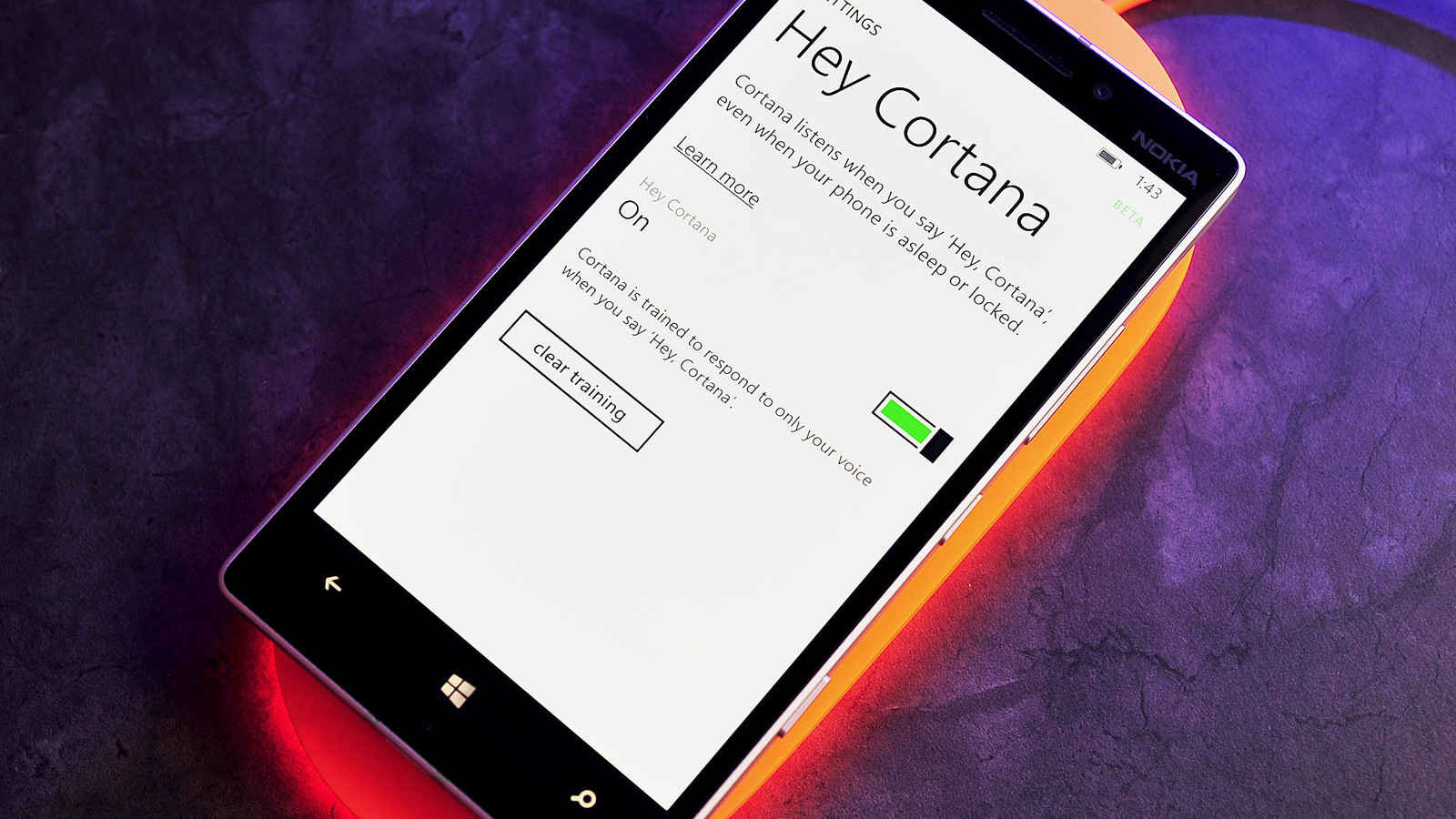
To open up ‘Hey Cortana’, click on the search box found inside the Taskbar. Once the Cortana window opens up, click on the top-left corner and choose Settings from the menu. The fourth option found in the list of Settings will allow Cortana to answer once you call it using your voice – Just slide the switch to ‘On’.
Cortana Windows10
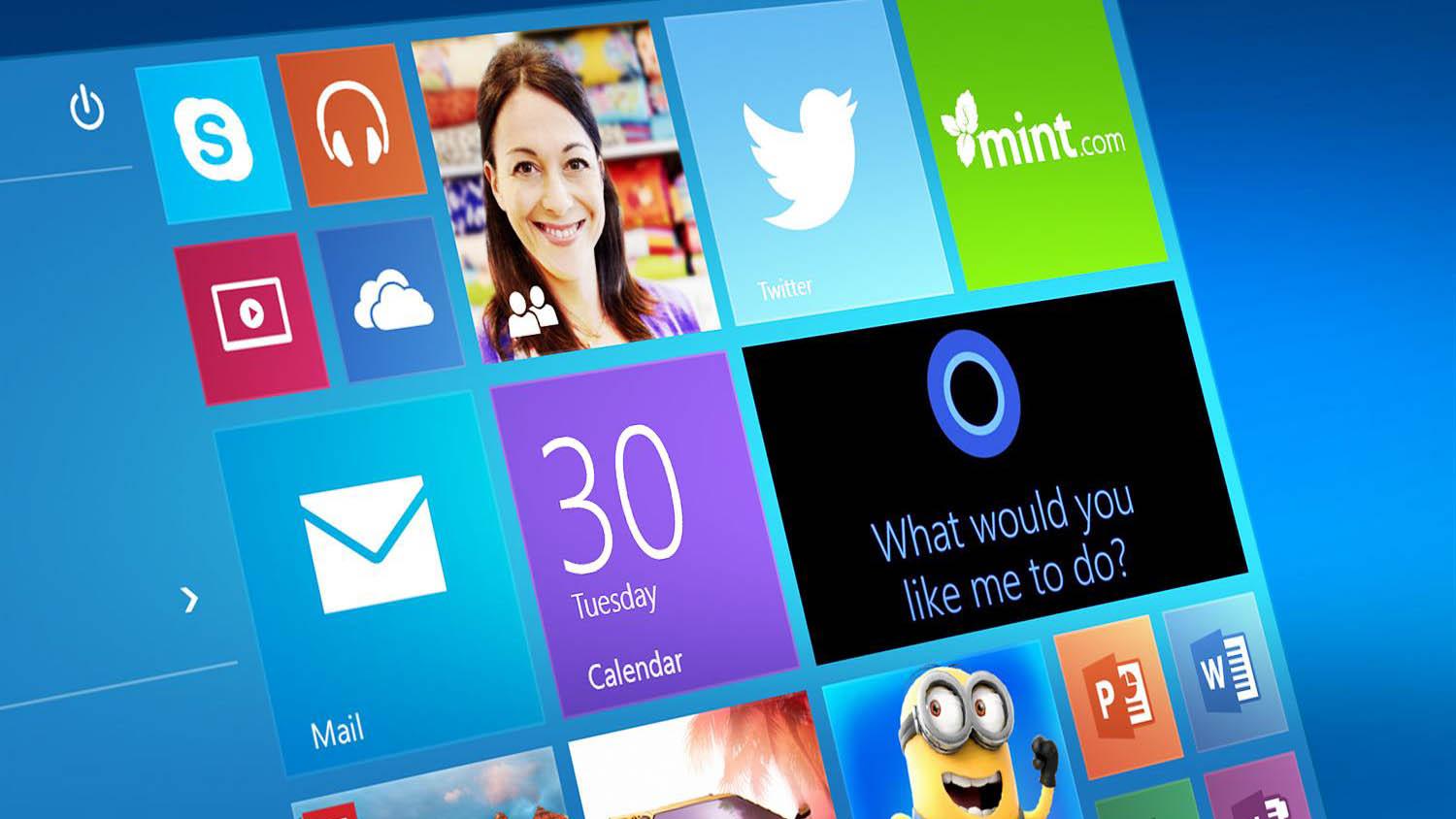
Now, you will be able to use your computer normally, and every time you want Cortana to start performing a task, start by saying ‘Hey Cortana’, then followed by the command that you want. You need to continue with your command right away after activating it, instead of having to wait for Cortana to finish loading, and indicate that it’s listening.
If you don’t want to use your voice and prefer typing with your keyboard instead, you can open Cortana in two ways: Win + Q = Cortana’s main screen with news and interests, and Win + S = Which directs you straight into Cortana’s search engine.

Yes,I thinking about our Microsoft windows 10 development,Machine learning Artificial Intelligent open source Microsoft365 real time for NEXT GENERATION with Azure VisualStudio for more facility application development ,hay Corona ,hay Sri ,hay google fast time my Voice now is benefit technology 21 Century ,at MICROSOFT ORGANIZATION for Microsoft Family’s and other platforms !…