A gaming rig is nothing without its external hardware gadgets. You could have the best GPU in the world paired with a fast CPU, but your gaming experience won’t be as good as you think with a bad monitor or an inadequate keyboard. External gadgets not only make the gaming experience comfortable, they also enhance it.
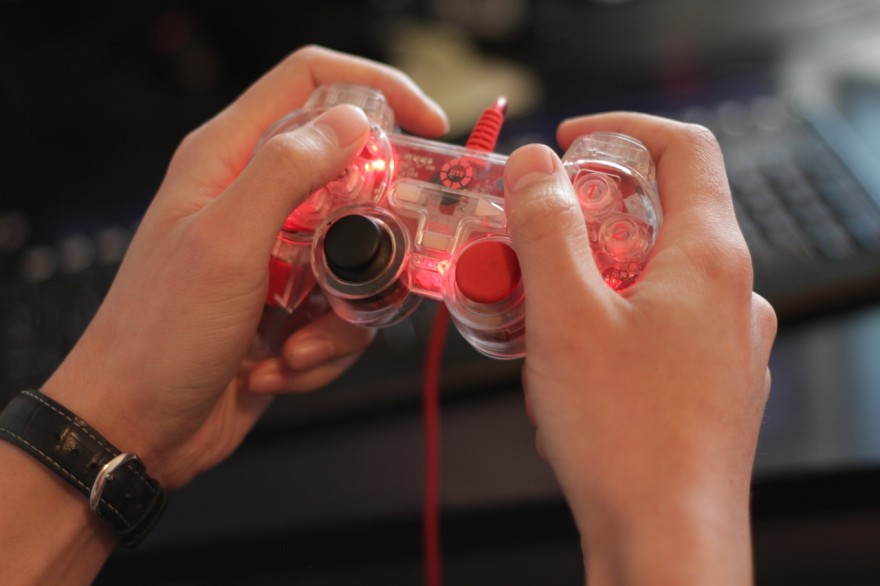
If you are an avid gamer wondering what gadget to buy next, here is a list of essential peripherals and accessories you can buy for your computer:
A Dual Screen Monitor
The monitor is arguably one of the most important hardware components of a gaming computer. You will primarily need a great monitor to match the power of the graphics card in your computer.
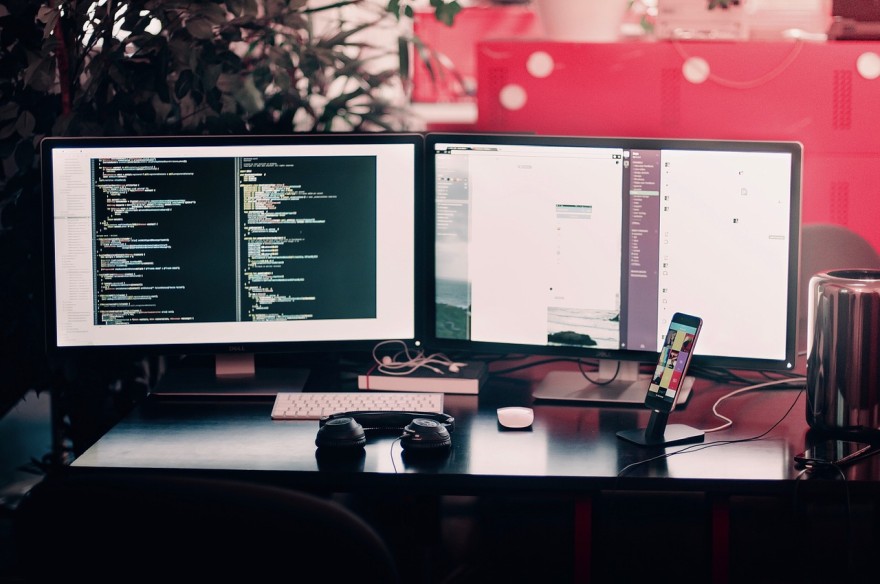
If you have upgraded your gaming rig to support Ultra HD or 4k video, you would need a compatible monitor to actually run the games. Therefore, a great monitor should be on top of the checklist for gamers.
Instead of relying on just a single monitor, gamers can consider opting for a dual-screen setup. Dual screen monitors are highly favored by artists, graphic designers, video editors, and even writers.
Gamers can not only enjoy a game with two screens, dual-screen monitors also support increased work efficiency. You can have the game turned on in one screen and get some other work done in a second monitor.
If you are planning to buy a monitor for your computer, seriously consider going for a dual monitor. One word of caution though: you would need a computer and a GPU that can support dual screen viewing as well.
Top-Notch Audio Hardware
Audio is a gaming element that is just as important as the visuals. After all, it’s the sound effects that set the mood of the game. The inherent creepiness of “Silent Hill,” the mysterious aura of “Tomb Raider,” and the adventurous excitement in “World of Warcraft” are created largely by the soundtracks rather than the visuals. Therefore, if you want to enjoy your gaming experience in full, invest in a great pair of speakers or headphones.
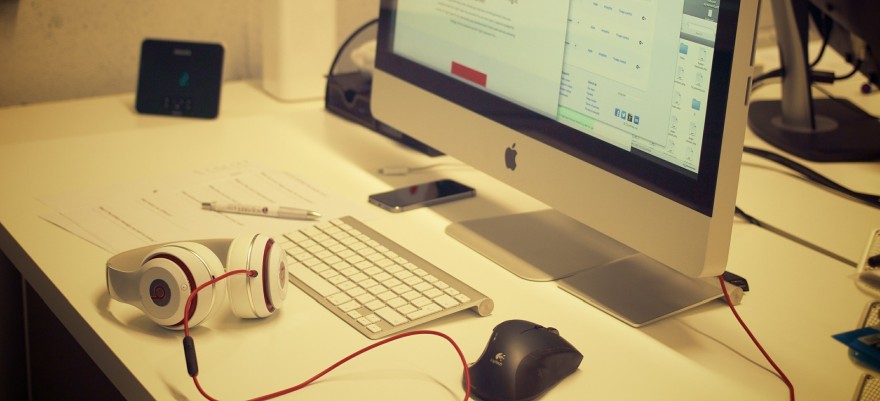
There is a wide variety of audio gadgets available for computer gaming. The most expensive products are not necessarily the best, either. If you can’t afford a Bose or a Beats headset, don’t despair. There are plenty of excellent affordable options available these days for dedicated gamers.
When buying audio hardware for your gaming rig, consider sound quality above all. This can vary between brands and also depend on personal preferences. Some gamers would prefer to have a speaker set with booming bass, while others may prefer clear sound above all else. You can choose a surround sound speaker system or go for an intimate pair of headphones that will isolate the sounds.
Headphones can be quite convenient for gamers who like to chat with friends over Skype or stream while they play. With speakers, the audio might be too loud, which might hinder talking clearly. Gamers should also decide whether to buy a wired or a wireless audio hardware gadget. Once all these factors have been considered, you will be ready to buy a suitable pair of headphones or a speaker set.
An Ergonomic Keyboard and a Mouse Pair
Most casual gamers wonder whether they should really invest in a gaming-specific keyboard and a mouse. If you are dedicated to your craft, you certainly should. Buy an ergonomically designed keyboard and pair it with a mouse. That is to say, the keyboard should be physically comfortable to use for prolonged periods.

The keyboard you buy should also match your gaming needs. For example, certain gaming keyboards don’t come with the dreaded windows button. This button is useful when you work, but can be very annoying to accidentally press in the middle of a raid.
Likewise, gaming mice offer unique benefits that only gamers can appreciate. For example, many good-quality gaming mice come with reprogrammable buttons. You can program each button to take a certain action in game, thus simplifying the controls process, especially if you are a competitive player.
As you can see, buying a gaming mouse and a keyboard is not just about the shiny colors and lights. Choose your accessories based on the features they offer for gaming.
Joystick Controllers
Some games are less frustrating to play with a joystick. All gamers know the effort it takes getting a character to move around in circles with just a keyboard. One of the common complaints about PC gaming is that keyboards don’t offer the versatility of gaming console controllers. You can change that by buying a joystick controller for your computer.
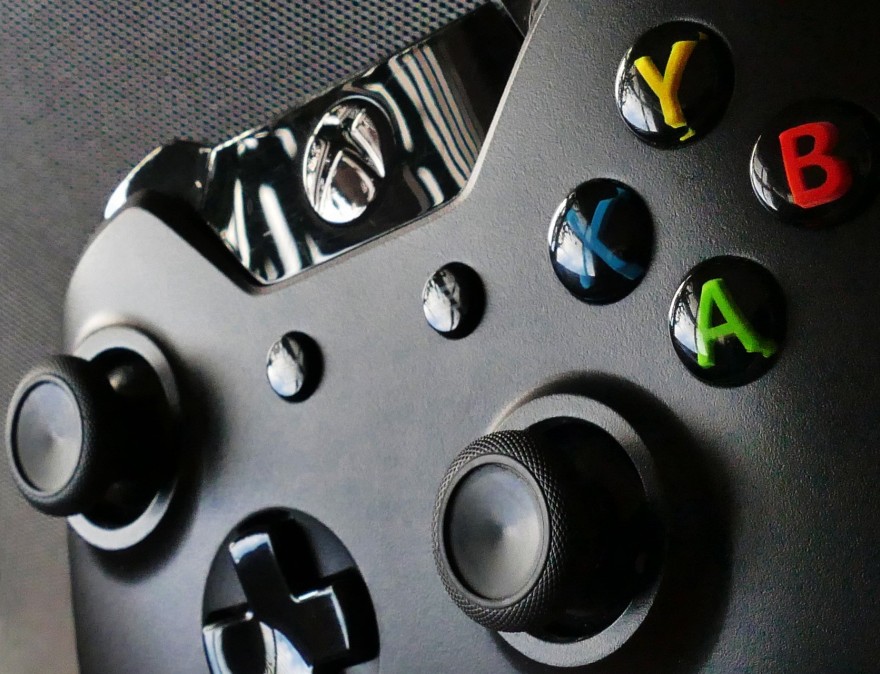
There are many types of controllers other than joysticks you can plug in to your PC. Love racing car games? Then why not buy a steering wheel-style controller? You can choose the controllers you like depending on the game. All in all, you can expect easier and more unique movements with an external controller.
External Hard Drive
Gamers who obsessively choose components of their rigs probably have SSDs to run games. The flash memory-based SSDs are indeed much speedier than traditional HDDs. But the superior speed comes at a price. SSDs don’t store as much data as an HDD. As we all know, games can take up a lot of storage on your computer. You can solve the storage problem by buying an external HDD for your gaming PC.
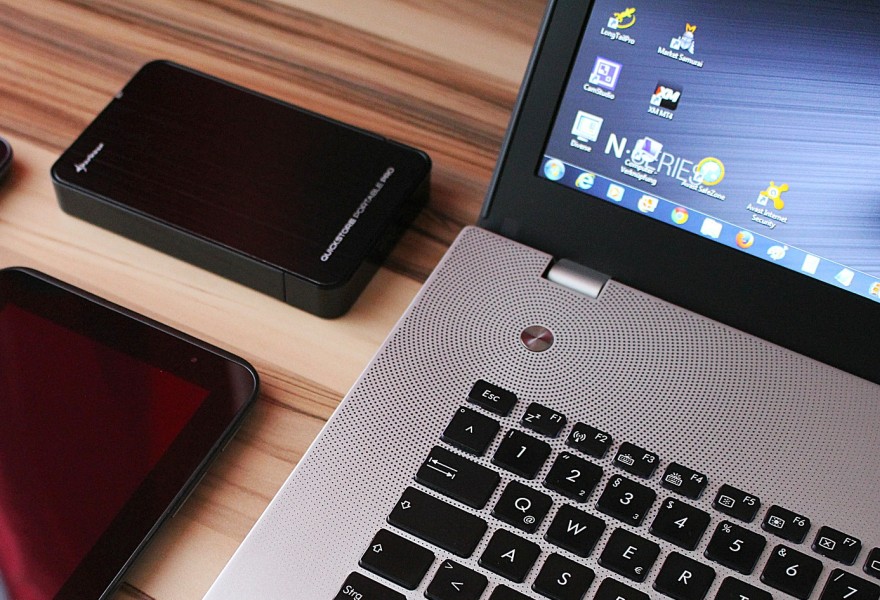
You will also benefit from an external HDD even if you have another HDD inside. Use the external drive as a backup for keeping your data safe in case of a crash. Also store some games in the HDD to save up space on your computer. Not clogging up the disk drives is important for ensuring optimal CPU performance during gameplay.
The above are just some of the best peripherals you can buy for your gaming PC. You can make your gaming experience even better by investing in a great gaming chair and even a desk. But the above gadgets should come first.
If you want to purchase an accessory for your gaming PC, don’t hesitate to spend some time in advance researching the best products. Read reviews and compare prices to make sure you end up with a product that offers good value for money.
Author Bio
Ollie Mercer is an experienced tech blogger who loves reading and writing about all things tech. He lives in sunny California next to some of the biggest tech companies in the world. Ollie is also an avid gamer with a penchant for PC titles.

Leave a Reply