WhatsApp Voice Call
The WhatsApp new voice-calling feature can now be found on the Android system. With over 700 million active users each month, WhatsApp is the world’s most popular messaging app at the moment. This feature was only introduced recently, and has made its appearance in Android phones. If you don’t use Android, you might have to wait a little while to experience this feature. But if you do, and you haven’t made a WhatsApp account, then now’s the right time to do it.
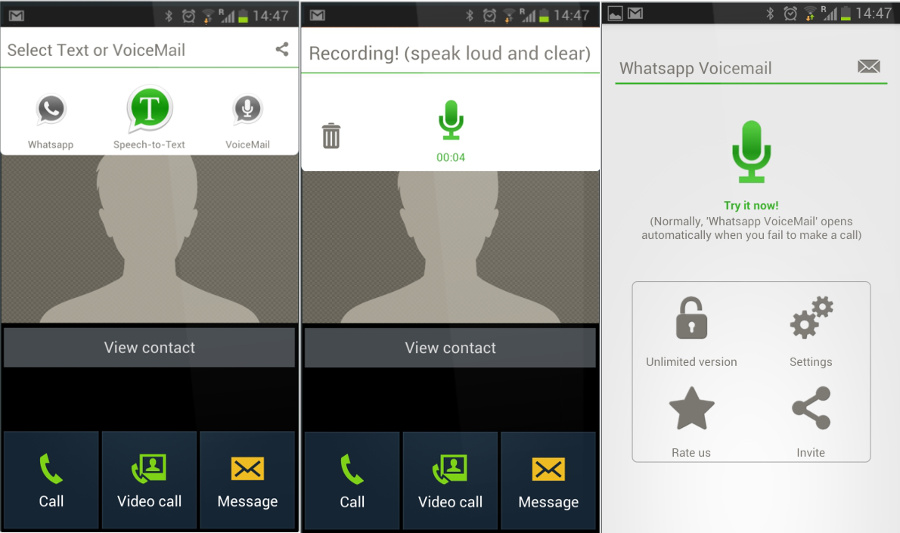
The voice-calling feature is free. Just like other applications such as Viber and Skype providing voice calls, WhatsApp voice-calling utilizes a data connection so you can make calls whether your phone runs on mobile data, or Wi-Fi. But this data can still be chargeable, depending on your Internet plan. If you use an unlimited broadband Internet plan, you only have to worry about the voice call working slowly at lower Internet speeds when the FUP has reached its limit. At the same time, 3G and 2G data users who exhaust their billed data will now have to pay with each KB used, and this can go as high as Rs.0.10 per 10KB, and Rs.0.04 per 10KB if using 3G.
This process isn’t exactly as easy as updating WhatsApp if you want to begin using the voice-calling feature – There are still some instructions that you need to follow.
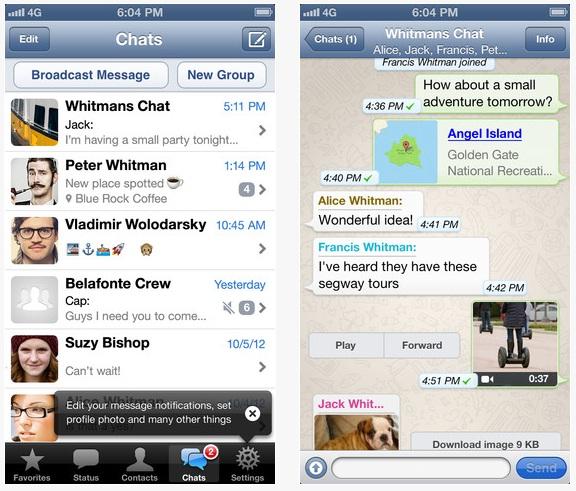
WhatsApp Screen
If you want to get the WhatsApp voice call feature on your PC, there are two ways to do so. First, you need to go to web.whatsapp.com on your computer and do a scan on the QR code using your phone, or a QR code reader. After this, follow the instructions for installation. You will receive all of the WhatsApp regular functions, such as picture messaging and voice messaging. But its web client will serve as a mirror for your phone, and this could mean that you will only receive your messages if you get them on your phone too. Your device also needs to be turned on, and connected to the Internet to be able to use the web client.
This method will only work for those who run a Windows machine, have WhatsApp on their smartphone, and have Internet Explorer, Google Chrome, or Mozilla Firefox as their browsers. Your WhatsApp also has to be at least v2.11.561. The WhatsApp official website currently has v2.12.7. You also need to enable Unknown Sources inside your Security settings first.

Leave a Reply