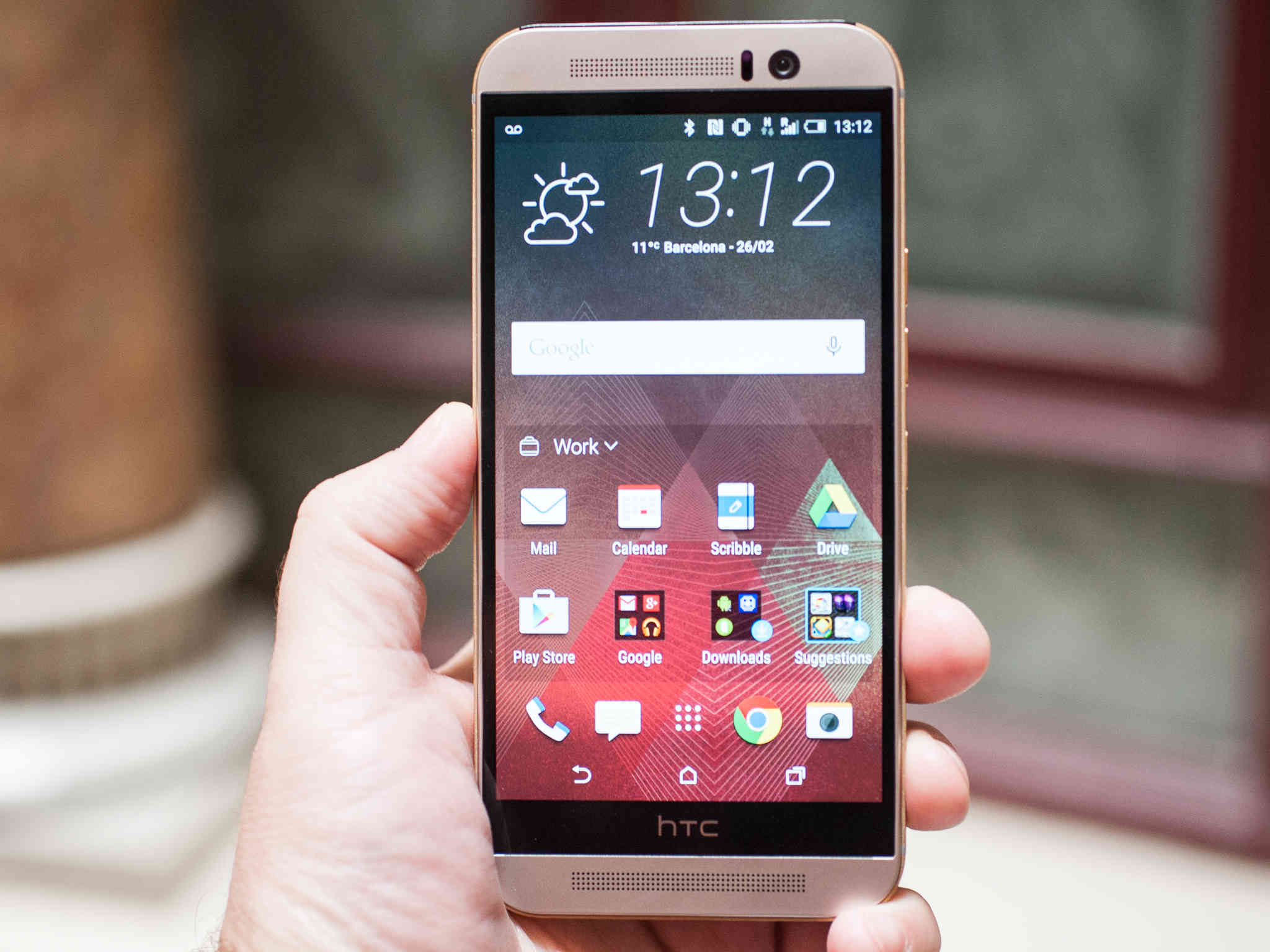
HTC One M9
HTC’s new One M9 isn’t really that different as compared to past versions, but it does contain some new software upgrades. One of these upgrades is the ability to modify the order, or even subtract and add from the phone’s navigation buttons.
These navigation buttons are the Recent, Home, and Back buttons found in the black bar below the screen. The HTC One and its Sense 7 software give you the ability to include another icon to your navigation dock. This is how to do it:
For editing your navigation buttons, just launch the Settings app and click on Personalize. Then select Change navigation buttons. You will be presented with a whole list of different options, but you will only be able to choose between the first three. As mentioned earlier, these three are Back, Home, and Recent apps. You can include one more into the navigation dock, and change the arrangement of the icons to suit your preferences.

Personalize HTC One
The available choices include Auto Rotate, Turn Off Screen, Notifications, Quick Settings, and Hide Navigation Bar. But if you can’t see the hidden navigation bar, how will you be able to search around the user interface? It’s simple – Just swipe up from below the HTC bezel bar, and it will show up in your screen again.
One of the popular options is the Notifications button. Once it has been enabled, instead of swiping down from above the screen, you will now be able to tap on the button, and the notification bar will go down immediately. This may not be a significant feature, but it’s still very much useful.
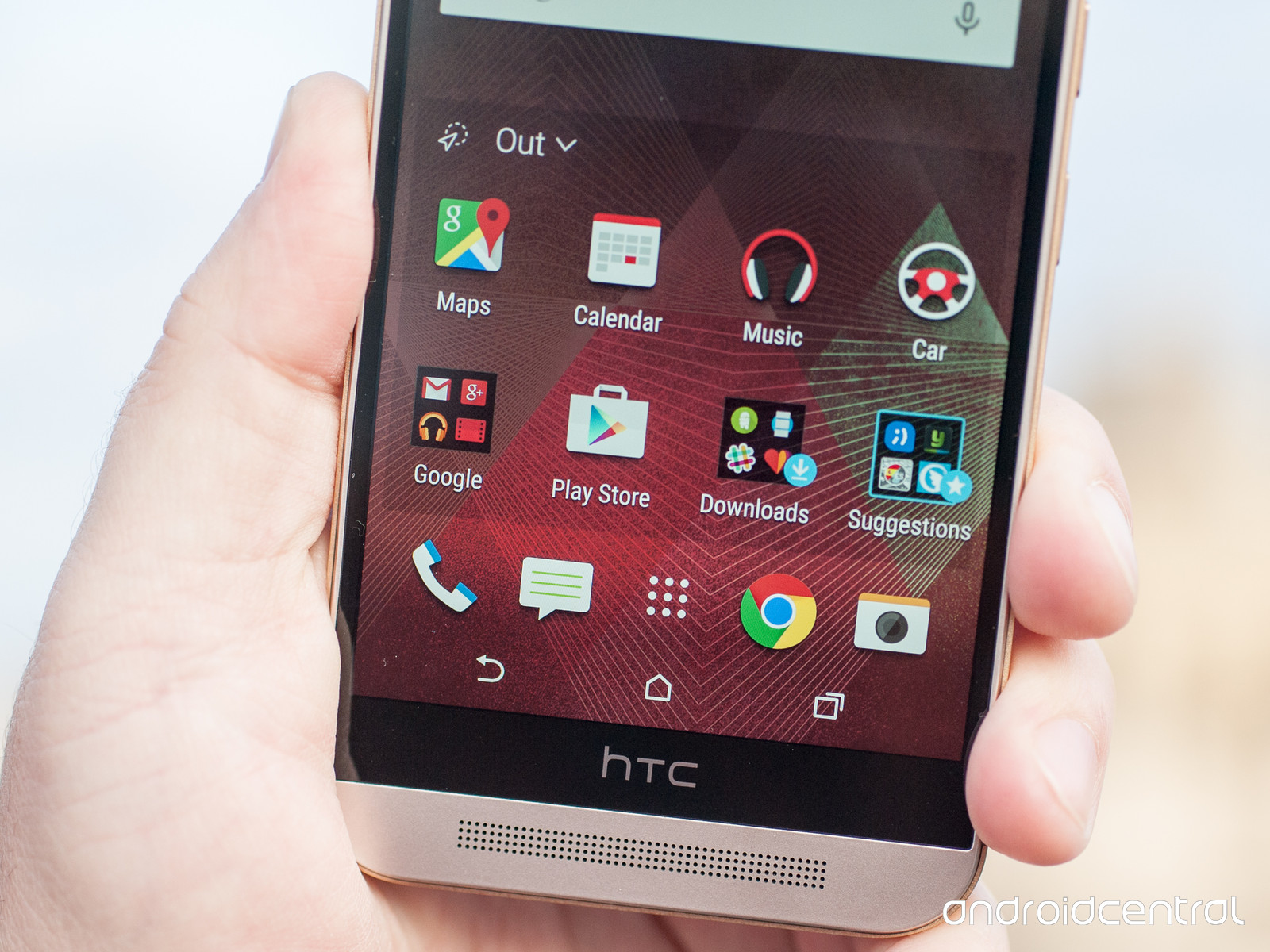
HTC Settings
Another thing worth noting is how fantastic the “notifications” button and “turn off screen” button could be if you happen to have small hands and have trouble reaching the notification or their phone’s power button.
You can rearrange the icons by touching the three-lined icon found beside each of the options, and dragging it towards its new position. Whatever kind of modification you make, be it removing or adding an option, it will not be reflected in the navigation bar until you click on Done, which is found below the screen. You can also find this feature in the LG G3, but HTC is pretty certain that hiding the navigation bar is an exclusive feature in the One M9.

Leave a Reply