It is always essential to back up the files in your computer. For example, Windows contains some integrated backup tools, Ubuntu has its Deja Dup, and Mac OS X uses Time Machine. Time Machine has the ability to back up every file on your Mac, from personal files, to system files. Time Machine is a built-in […]
Taking Screenshots on the New PlayStation 4

Sony is fully aware of the fact that you love to post screenshots of your favorite video games on Facebook or Twitter, so this is probably why the new PlayStation 4 controllers now come with a new ‘share’ button. But before you can share your beloved screenshots, you need to remember a few rules first: […]
Saving Links in Safari’s New Reading List
If you’re trying to find a good read later service, then you should at least know how to utilize bookmarklets, which you will be able to click once you encounter something that you want to save to your computer. It’s also recommended that you have a browser extension for Firefox, Safari, or Chrome. Other methods […]
Making Your Own Maps with Google and Mymaps
Google has recently made an announcement that Google Maps for Android will now support the usage and viewing of My Maps inside Google Maps. My Maps is a Google product that lets users to view, share, and create custom maps that you or other people have made. In previous versions, you can create these maps […]
Adding Linux’s Ubuntu into your Chromebook with Crouton

There are a lot of ways to install Linux’s Ubuntu operating system to your Chromebook. This tutorial will be using Crouton (Chromium OS Universal Chroot Environment) as an example. If you’re using Crouton, you’re using only the Linux operating system. But you’re actually running two environments aside from the OS. These are Chrome OS and […]
Changing Netflix’s Queue with God Mode Bookmarklet
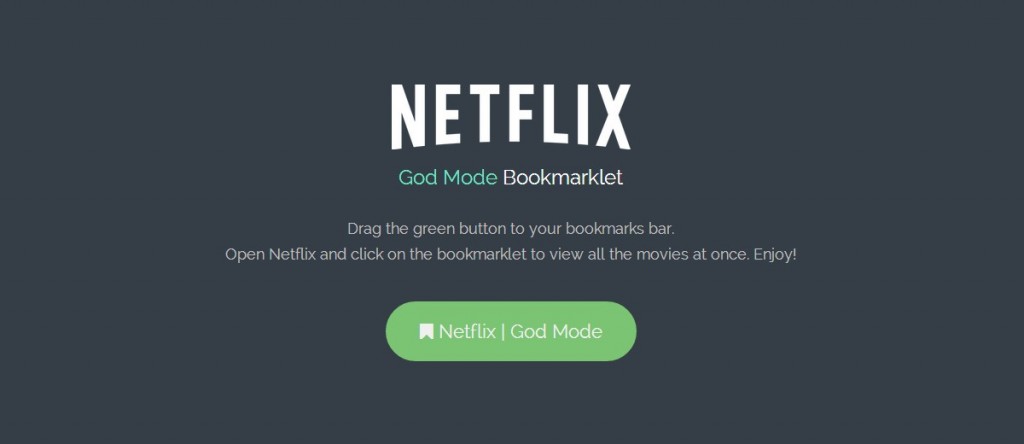
In Windows lingo, God mode is usually referred to as a hidden feature that allows you to see all of your computer’s different control panel options, as well as other customized modifications in one place. At the same time, Netflix’s very own God Mode will show you all of the video options a better and […]
Using WinZip to Unzip iOS Files
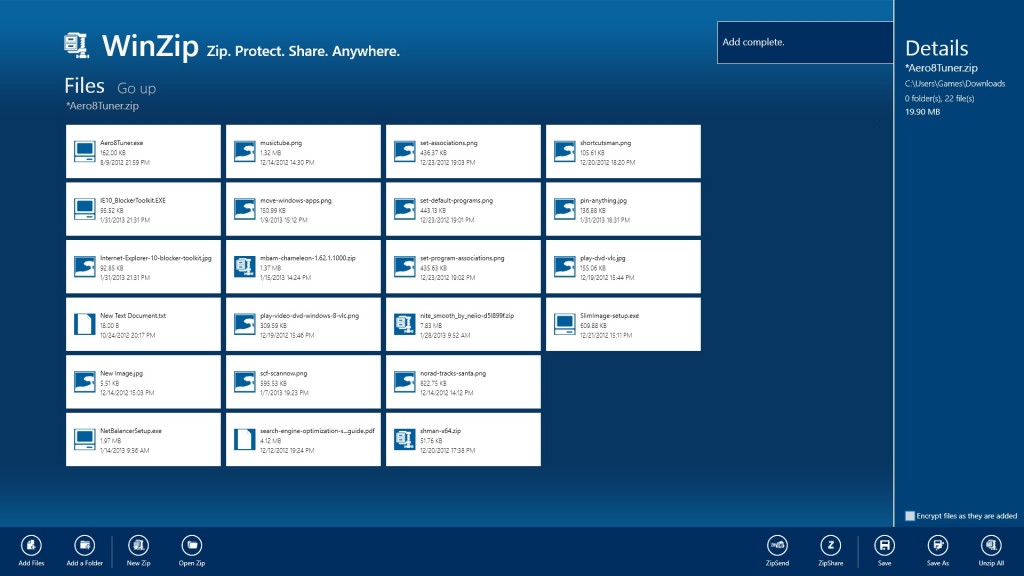
If you receive a zipped file in your email, you can simply view the file using Mail without having to exit the app. The zip file can be opened to view its contents. iOS have actually done a great job of showing PDF files, Word documents, Excel spreadsheets, and text files. But looking at zip […]
Changing Your Windows Computer’s Language Settings
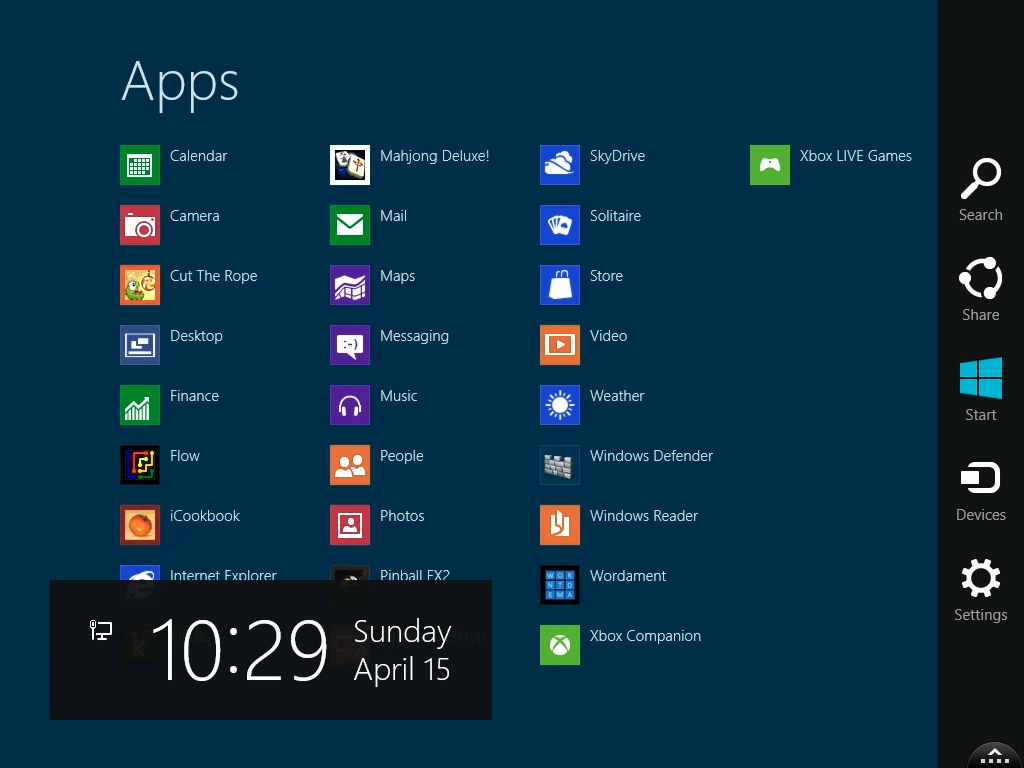
If your computer operates in a different language, there is a huge chance that you might not even be able to log into your account if you’re using the wrong keyboard. Windows can be used in many different languages. These are some instructions that tell you how to change the keyboard layout and the language […]
Activating Apple Pay in Your iPhone or iPad
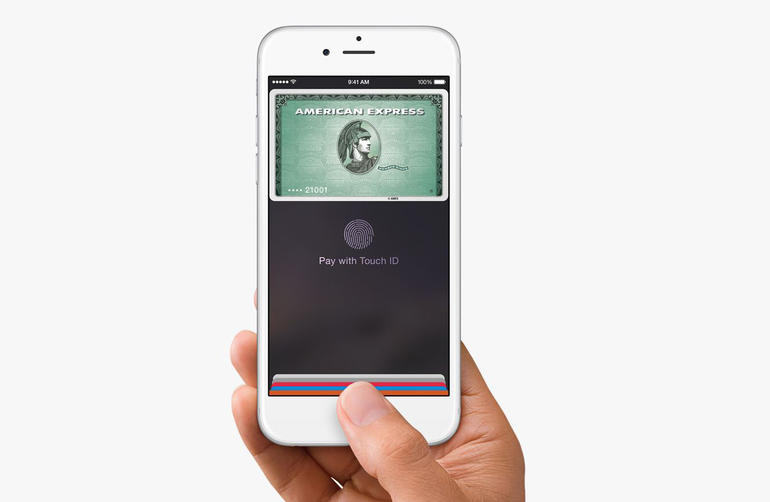
If the Apple iPhone 6 and iPhone 6 Plus are great at something, it’s paying for stuff. A transaction only takes a couple of seconds to finish. And if you’re one of those people who take out their wallets out of their bags regularly, then this whole process will be effortless. Step 1: Register to […]
The New Windows 10 Notification Center
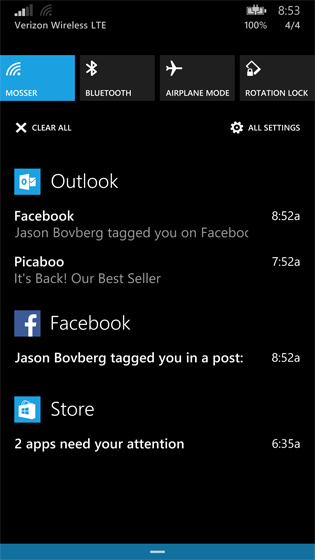
Users will now be able to try out the latest notification center in the new Windows operating system. This center is pretty much the same as the Windows 10 version of Windows Phone 8.1’s Action Center. The part with the notifications is just a piece of Microsoft’s ‘Windows everywhere’ goal – A universal notifications center […]